Mac CAC configuration has gotten complicated with all the different macOS versions and compatibility questions flying around. As someone who managed DoD Mac deployments and helped countless service members get their CACs working on Apple hardware, I learned everything there is to know about Mac CAC setup. Today, I will share it all with you.
macOS Smart Card Support

Starting with macOS Sierra (10.12), Apple includes native smart card support through CryptoTokenKit. Most USB CAC readers work without additional drivers on modern macOS versions including Monterey, Ventura, and Sonoma. That’s what makes Mac endearing to us IT professionals—Apple built the smart card support right into the OS, so you don’t have to hunt down drivers from sketchy websites.
Connecting Your CAC Reader
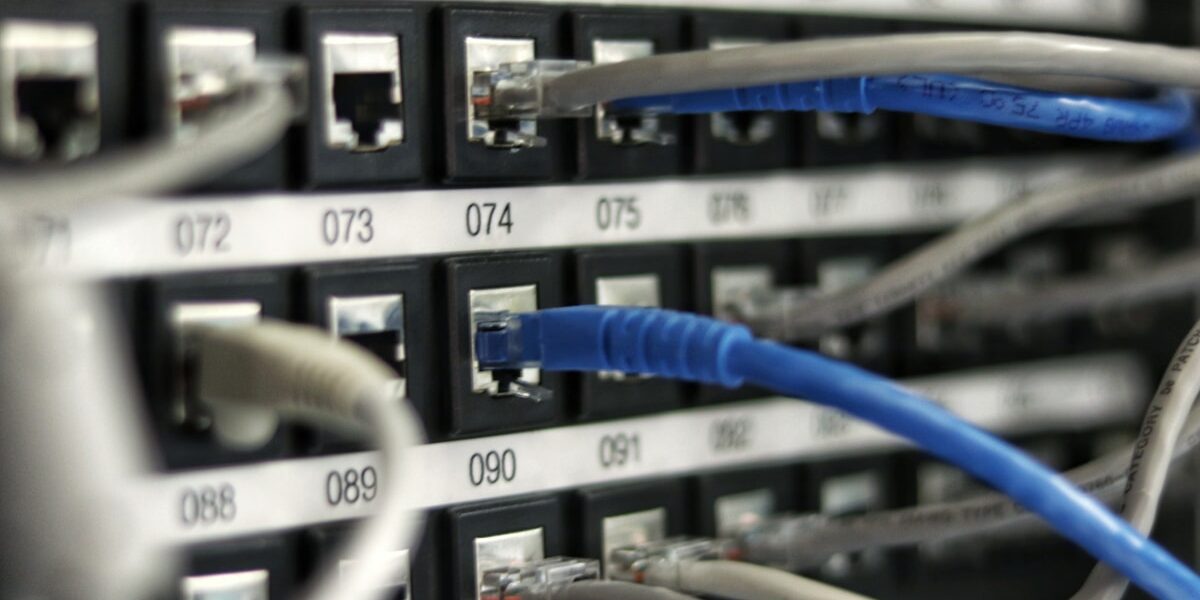
- Plug your USB CAC reader into an available USB port on your Mac
- For newer USB-C Macs, use a quality USB-C to USB-A adapter—don’t cheap out on the adapter, it can cause connection issues
- The reader LED should illuminate when it’s properly connected and receiving power
- Insert your CAC with the chip facing up or toward the reader (check your specific reader’s instructions)
Installing DoD Certificates
Probably should have led with this section, honestly—without the DoD certificates installed, your CAC won’t authenticate to anything. Download and install the certificate bundle:
- Visit militarycac.com and download the Mac certificate installer (make sure you’re getting the official package)
- Open the downloaded .pkg file by double-clicking it
- Follow the installation prompts, entering your Mac password when asked for authorization
- Restart your browser after installation to ensure it picks up the new certificates
Verifying Certificate Trust
Open Keychain Access to confirm the certificates installed properly and are trusted:
- Launch Keychain Access from Applications > Utilities (or use Spotlight to search for it)
- Select “System” in the left sidebar—this is where system-level certificates live
- Search for “DoD” in the search box at the top right
- You should see multiple DoD Root CA certificates listed (if you don’t, the installation didn’t work)
- Double-click each certificate and verify “Trust” is set to “Always Trust”—if it’s not, you’ll have authentication problems
Checking CAC Recognition
With your CAC inserted in the reader, verify that macOS actually sees your certificates:
- Open Keychain Access again
- Look in the left sidebar for a new keychain with your card’s name or serial number
- Click on it to view your CAC certificates
- You should see your email and authentication certificates listed there—if not, try removing and reinserting your CAC
Browser Configuration
Safari: Works automatically with Keychain—no additional configuration needed. This is the easiest browser to use with CAC on Mac.
Chrome: Uses Keychain automatically on Mac, so it should just work out of the box like Safari.
Firefox: Requires manual configuration because Mozilla uses their own certificate store instead of Keychain. See our Firefox CAC setup guide for detailed instructions.
Troubleshooting
Card not appearing in Keychain: Try removing and reinserting the card. Check System Information > USB (click Apple menu > About This Mac > System Report > USB) to verify the reader is actually detected by your Mac. If it’s not showing up at all, you might have a bad cable or adapter.
Certificate errors in browser: Ensure all DoD certificates are trusted in Keychain Access. You may need to manually set trust for each certificate by double-clicking it, clicking the trust dropdown, and selecting “Always Trust.” This is annoying but necessary on some Macs.
PIN prompt issues: Some older Macs may need the 90Meter middleware for proper PIN handling. Download from militarycac.com if you’re having problems with PIN prompts not appearing or being rejected even when you know your PIN is correct. This is more common on older Intel Macs than newer Apple Silicon models.



Stay in the loop
Get the latest cac setup.com updates delivered to your inbox.